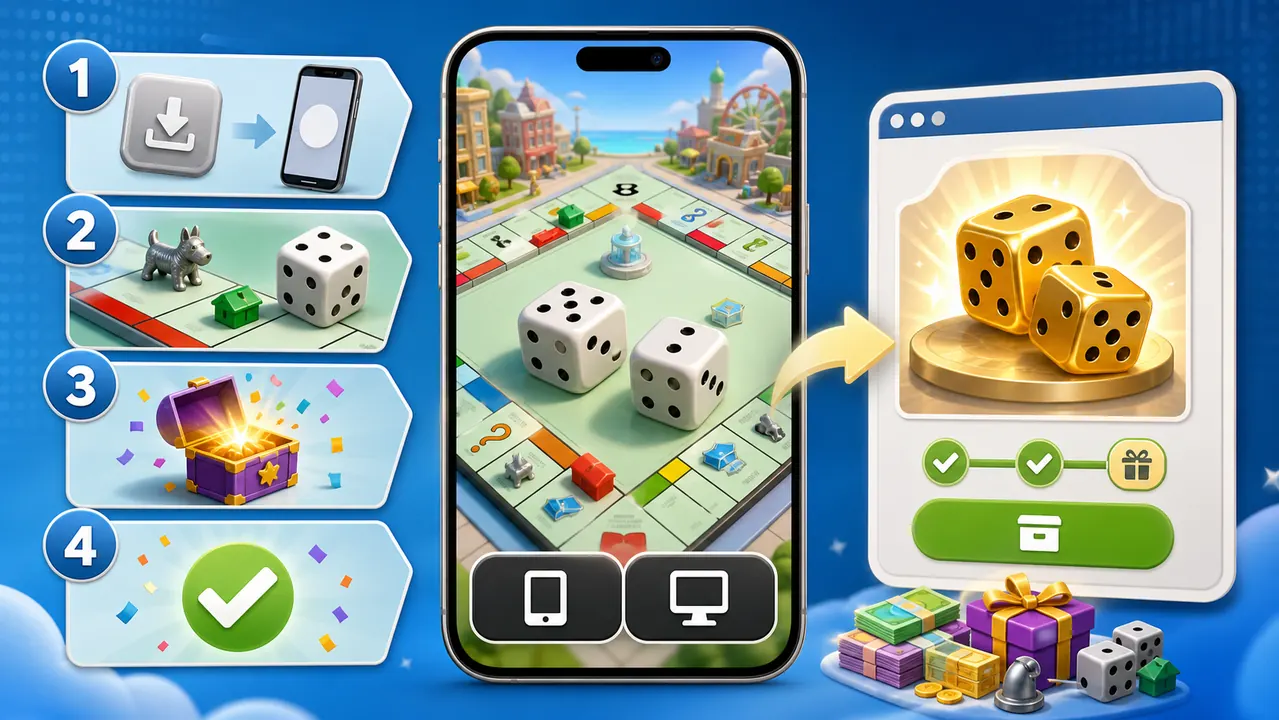
This guide is for players who found a reward on GoDices using a computer. Monopoly GO reward links use a mobile app handoff, so the final claim must be completed on an iPhone, iPad, or Android device where the official game is installed.
Before You Start
Step 1: Install the Official Monopoly GO App
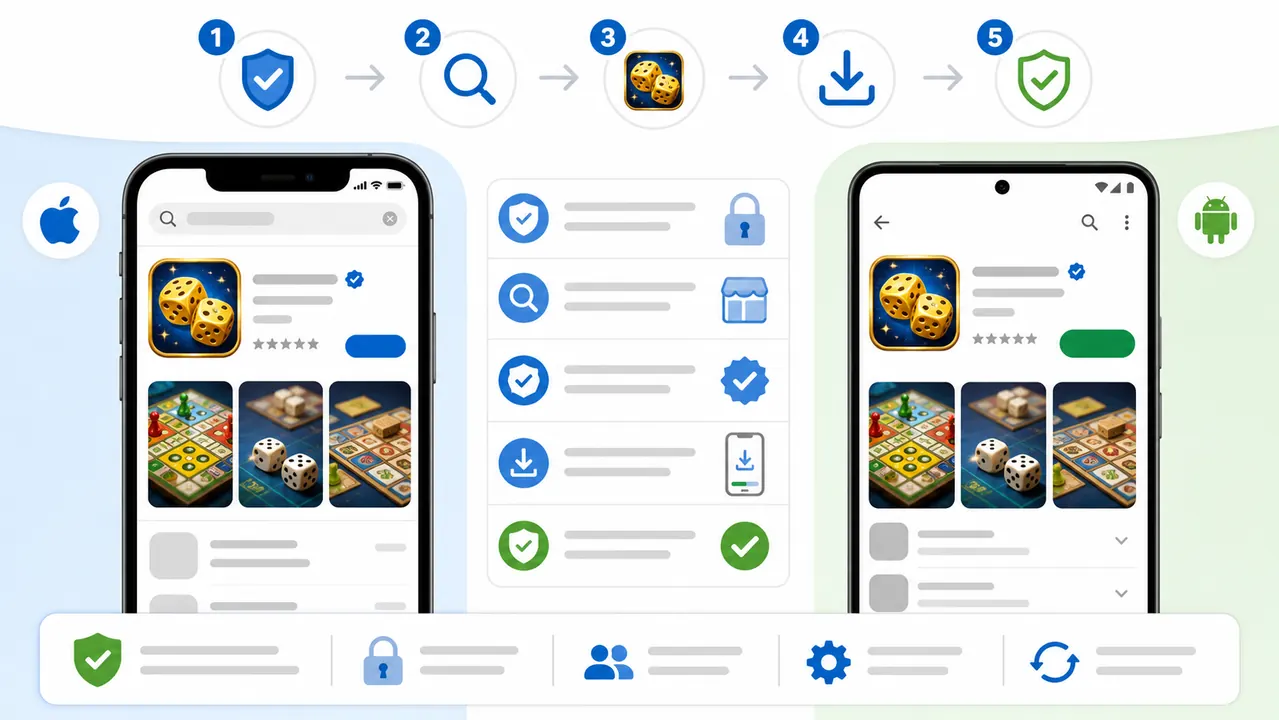
iPhone or iPad
Android
Avoid the Wrong App
Search results may include other Monopoly games, guides, generators, or unofficial APK files. Do not install an app just because it uses a dice icon. Use the official store links above and verify the Scopely developer name.
Step 2: Prepare the Game
The reward link cannot finish correctly when the game is unavailable, outdated, still installing, or blocked from opening links.
Step 3: Open GoDices on the Same Phone
Use Safari on iPhone or Chrome on Android and visit godices.com. Sign in only if the page asks you to do so for another roll. You do not need to transfer the raw reward URL from your computer.
For the smoothest result, avoid private browsing, in-app browsers, desktop mode, aggressive popup blockers, and browsers that prevent links from opening other apps.
Step 4: Roll and Claim
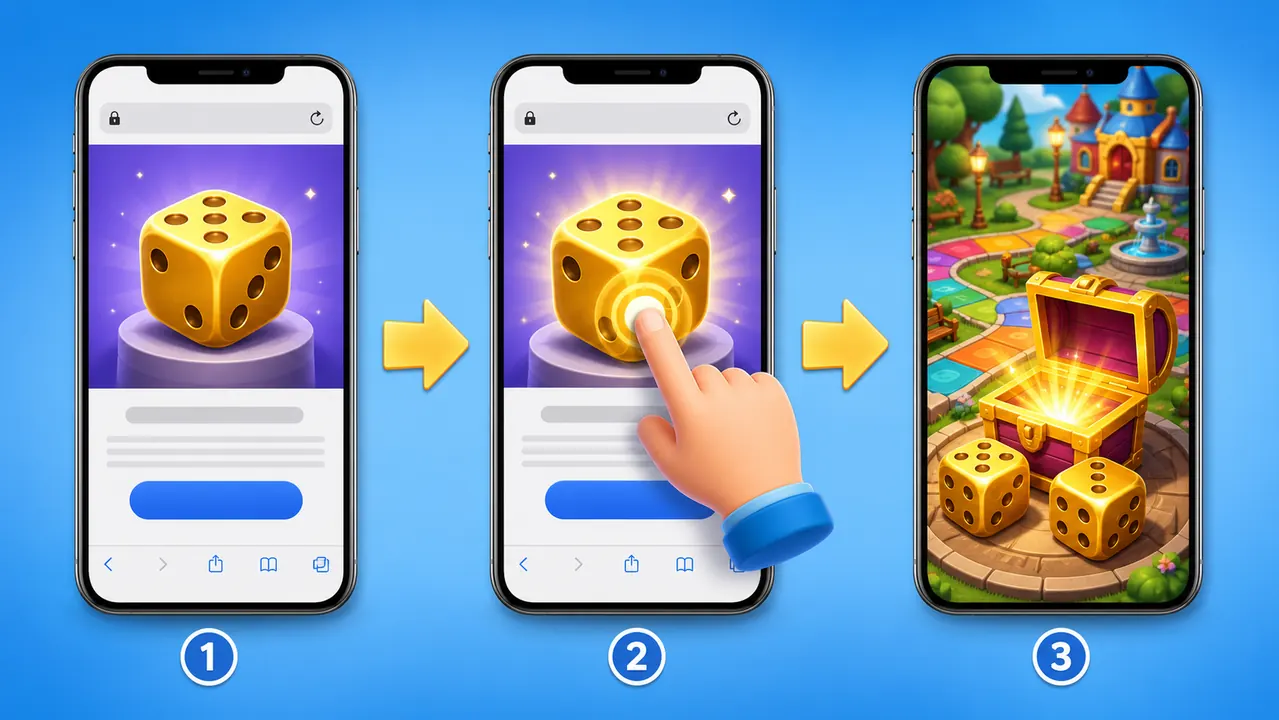
How to Move from a Computer to Your Phone
The recommended method is simply to type godices.com into your phone browser. You can also send the tutorial page to yourself using a trusted messaging app, email, browser tab sync, or a QR feature built into your browser. Do not post a private account link publicly.
If Claim Opens the App Store
If the Game Opens but No Reward Appears
Safety Checklist
Frequently Asked Questions
Can I claim directly on a Windows PC or Mac?
No. The reward link is designed to open the mobile Monopoly GO app. On a computer, GoDices sends you to this tutorial so you can finish safely on your phone.
Do I need to install the GoDices app?
No. GoDices runs in your mobile browser. You only need the official Monopoly GO app installed.
Does GoDices need my Monopoly GO login?
No. Never give GoDices or another reward site your Monopoly GO password, Apple password, Google password, or recovery code.
Why does my browser ask permission to open Monopoly GO?
That prompt is the normal handoff from a web reward link to the installed game. Confirm only when the destination is Monopoly GO.
Can the same reward be claimed twice?
Usually no. Most reward links can be redeemed once per eligible game account and may also expire.
What if I use a tablet?
An iPad or Android tablet can work when it supports the official app, has Monopoly GO installed, and allows the browser to open the game.
Final Check
You are ready when Monopoly GO opens normally on your phone, GoDices loads in the phone browser, and tapping Claim can hand the link to the game. Return to the GoDices home page on that phone, roll the golden dice, and claim the reward before it expires.